Mileage anomaly warnings
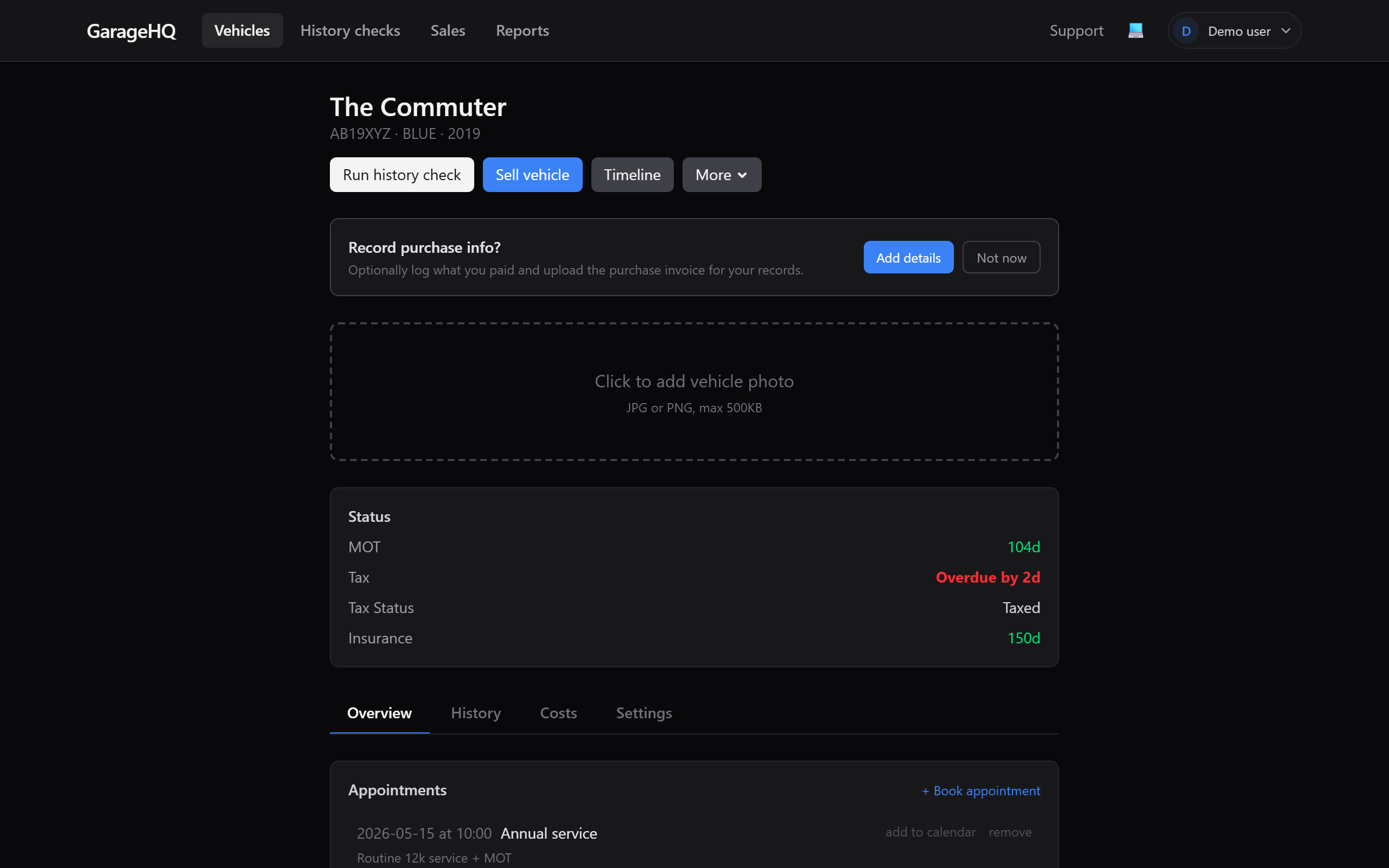
GarageHQ compares every mileage reading on a vehicle (from MOT history, your own service-history entries, and any DVLA / dealer feeds) to spot patterns that don't add up. When something looks off, the vehicle gets flagged with a coloured banner.
This is the same kind of check professional dealers run before buying a used vehicle. It's especially useful when you're considering buying private from a stranger.
What triggers a flag
The detector looks for three patterns. Any one is enough.
1. Mileage went down
Most common red flag. The MOT done in 2024 recorded 80,000 miles; the one done in 2023 recorded 90,000. That's mathematically impossible, mileage only goes one way. Severity: red.
Common explanations for a genuine reading-down:
- A digital odometer was repaired or swapped (legitimate but rare). Garage paperwork should match.
- Conversion error (km vs miles) recorded at one of the tests. The DVSA can correct this if you can prove the actual mileage at that date.
- The reading was clocked. This is a criminal offence in the UK.
Either way, treat as serious until you understand why.
2. Implausibly high jump
If the vehicle shows 30,000 miles a year for 4 years and then 80,000 in one year, that's worth a closer look. Could be a courier or rental year, or could be a clocked reading correcting itself. Severity: amber.
3. Suspiciously low jumps that don't track typical UK use
A vehicle that's added 200 miles a year for 10 years, then suddenly shows realistic use, can suggest the original readings were under-stated. Less reliable than the other two checks; severity is amber unless the pattern is extreme.
What each severity means
| Banner colour | Meaning | What to do |
|---|---|---|
| Green (no banner) | Mileage history is consistent. Nothing flagged. | Nothing. Proceed normally. |
| Amber | Pattern is unusual but not impossible. Could be a high-use period or recording oddity. | Ask the seller about the year(s) involved. Verify with paperwork (service receipts, MOTs from a different garage) if buying. |
| Red | Mileage went down at some point. Cannot have happened naturally. | Don't buy without an explanation backed by paperwork. Consider walking away. Report suspected clocking to Action Fraud. |
What to do if your own vehicle is flagged
If GarageHQ flags your vehicle and you know it's wrong:
- Find the paperwork that explains the bad reading (e.g. odometer replacement invoice with the post-replacement mileage).
- The flag itself comes from DVSA-published readings, so we can't simply delete it on your end. The right fix is to ask DVSA to correct the bad MOT record.
- Once the DVSA record is updated, GarageHQ will re-pull the history within 24 hours and the flag clears.
If you'd rather hide the banner without correcting the source data: sorry, we don't currently expose a "dismiss" toggle. The flag is intentionally sticky because most users seeing it are evaluating a purchase, where hiding the warning would be the wrong default.
What next?
- MOT history, where the underlying readings come from.
- Service history and mileage, log non-MOT readings yourself to keep the timeline complete.
- Running a history check, the full report includes mileage anomalies plus theft, finance, and write-off checks.